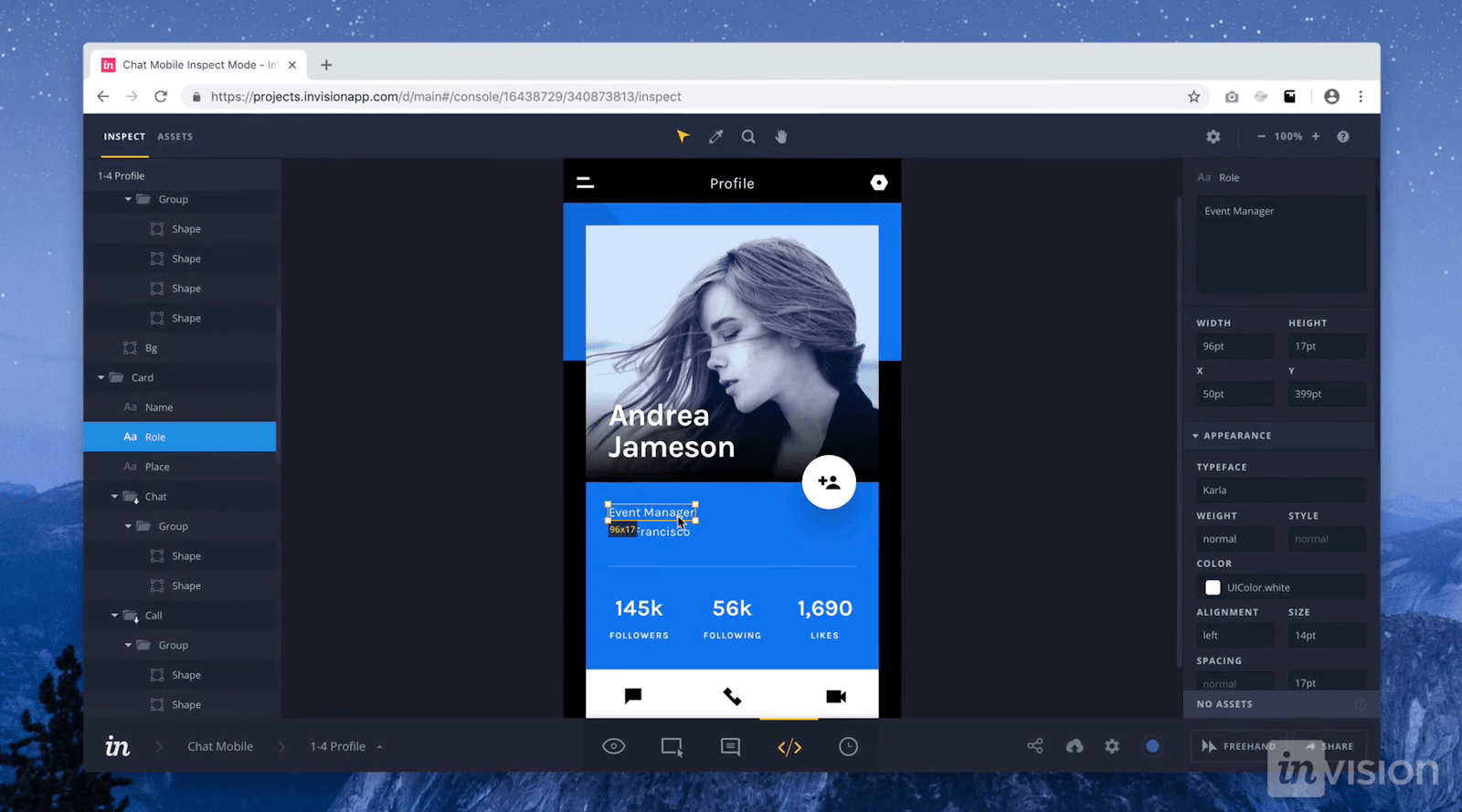
When life hands you lemons, design a lemonade stand with Figma
What is Figma?
Figma is a powerful design tool that allows you to collaborate with team members in real-time. Say goodbye to messy file sharing and hello to easy design collaboration. With Figma, you can create designs and prototypes for websites, apps, and even physical products. Plus, their user interface is so clean and simple to use, you'll wonder how you ever lived without it.
Revamp your workspace with Canva
What is Canva?
Canva is the ultimate tool for creating beautiful graphics for social media, presentations, and even print. With their drag-and-drop design interface, even those with no design experience can create stunning graphics in minutes. Plus, Canva offers a ton of templates and design elements to help you get started. So say goodbye to boring presentations and hello to eye-catching designs.

Get all your design needs in one place with Sketch
What is Sketch?
Sketch is an all-in-one design tool that allows you to create wireframes, icons, and even animations. With Sketch, you can easily create vector graphics and export them to a variety of formats. Plus, Sketch has a ton of plugins available, making it incredibly versatile. So why use multiple tools when you can do it all in one place?
Bring your website to life with Webflow
What is Webflow?
Webflow is a game changer for web designers. With their drag-and-drop interface, you can create fully responsive websites without ever touching a line of code. Plus, Webflow offers a plethora of templates and design elements to help you get started. And if you ever do need to tweak the code, Webflow allows you to easily access and edit it. So say goodbye to frustrating coding and hello to easy website design.
Streamline your workflow with Trello
What is Trello?
Trello is a project management tool that allows you to organize tasks and projects in a fun, visual way. With Trello, you can create boards, which can contain lists, which can contain cards. These cards can have due dates, checklists, attachments, and even comments. So no more messy to-do lists or forgotten tasks. Keep your projects on track with Trello.

Final Thoughts
There you have it, my fellow designers. These are just a few of the best modern design tools out there. With Figma, Canva, Sketch, Webflow, and Trello, you'll be able to design, collaborate, and manage your projects with ease. So go forth, create, and let these tools make your life a whole lot easier.
Now that you have all these amazing design tools at your disposal, it's time to get creative! Here are a few tips and ideas on how to make the most out of them: - Use Figma to create a design system for your brand. This will ensure consistency across all your designs and save you time in the long run. - Create a mood board in Canva to help you stay on track with your project goals. This will also help you get a better sense of your project's overall look and feel. - Use Sketch to create custom icons and graphics for your project. This will give your project a unique, personalized feel. - Build a fully responsive website in Webflow to showcase your design skills. With Webflow, you can create complex animations and interactions without having to code a single line. - Organize your design projects in Trello to stay on top of deadlines and project goals. This will also help you collaborate with team members and stay on the same page. So there you have it. With these tips and ideas, you're well on your way to becoming a design superstar. Happy designing!Read more articles about Best Modern Design Tools